
 FI
FIStatus.ehasa.org
What is Ehasa Status?
Status is Ehasa’s event tracking and management service. Its map shows the game area, capture points, map features and GPS objects connected to the event. Tasks, items, notices, faction scores and event replay sit alongside the map.
Status uses Kuulaportti accounts. Organisers can restrict event access based on a purchased ticket, check-in and faction membership. Players, factions, organisers and the public can be shown different information.
GPS tracking helps monitor connected players and vehicles, including vehicle speeds. Locations can be sent using the Status Android application or GPS devices connected to the event. Visibility depends on event settings and access permissions.
status.ehasa.org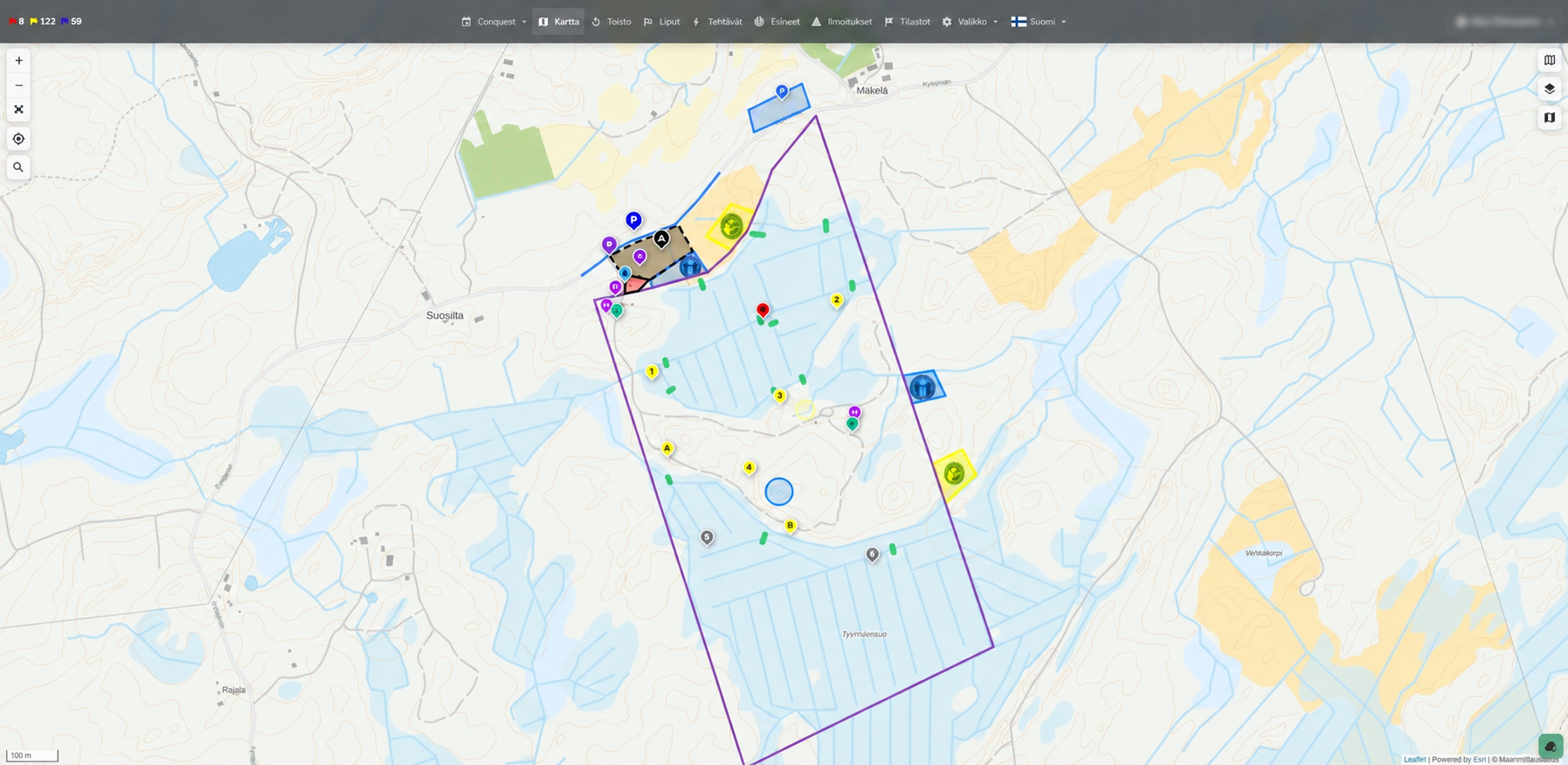
Maps and editing tools
The map editor lets organisers add markers, text, routes and areas, and change their colours, symbols and visibility. Features can be moved, rotated and reshaped. Images and HTML content can also be added to the map.
Map layers separate shared information from faction and organiser information. Shared layers can be used in multiple events. The editor has an active editing layer, and only layers the user is authorised to edit can be changed. Changes can be undone and redone before saving.
Tasks, items and notices
Tasks have a dedicated management workspace. Organisers can set their content, factions, maps, visibility and schedule. Tasks can be grouped into operations and under parent tasks, prioritised and given image attachments.
A task can have a shared outcome or separate faction outcomes. Its location can be a point, circle, area or moving GPS object. The visibility preview helps check what different factions or a visitor can see.
Items and notices have their own management views. Task automation, conditions and activity history support tracking the progress of the game.
Event replay
Replay lets organisers review an event afterwards. It complements the live map and helps examine game activity and location history.
Capture points
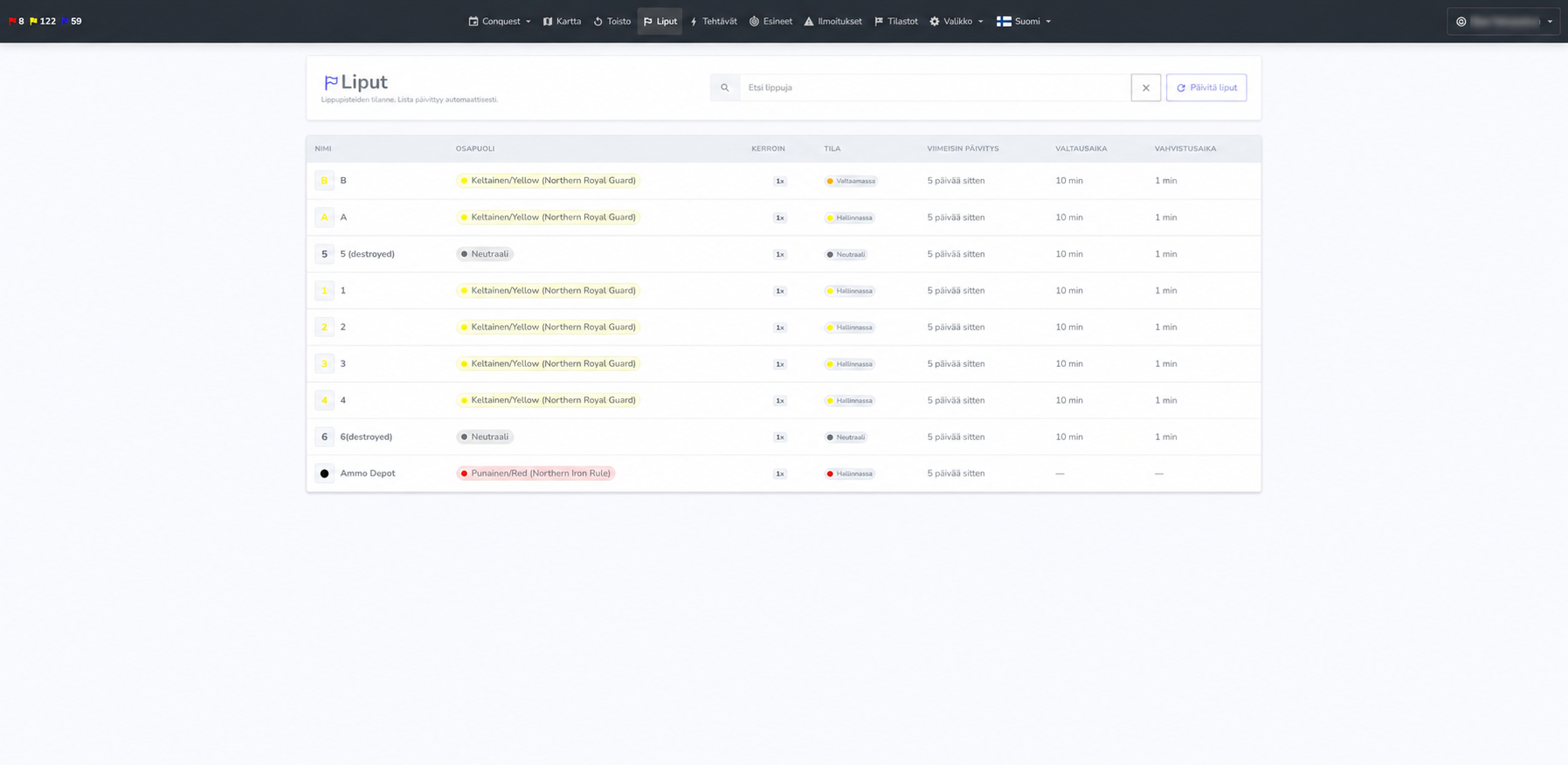
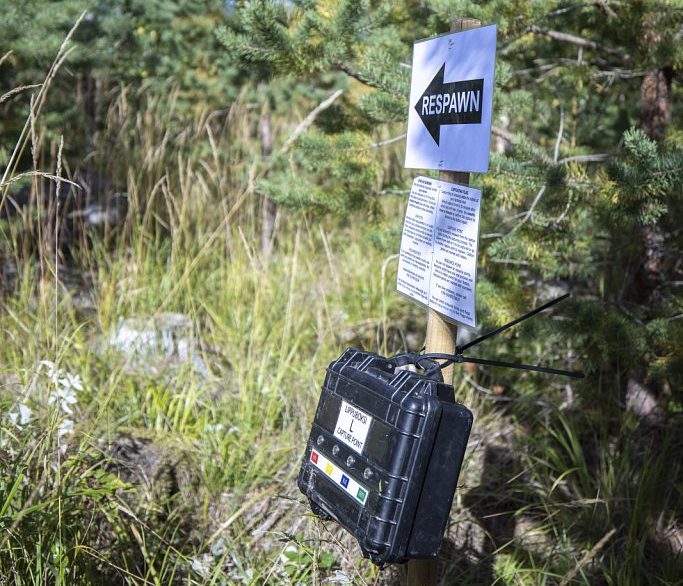
Status works with Ehasa’s electronic Flagboxes. A faction button starts the capture time set by the organiser. After the audible signal, a confirmation period follows: the player confirms the capture by pressing the same button again. The capture is then reported to Status.
Organisers can adjust capture times, scoring and which factions may capture a point. A point can also be disabled or marked as destroyed. Flag management is used to follow capture points and Flagbox status.
Flagboxes have also served other game purposes, including an alarm at the Carrington Event gun store, with capture and confirmation times set to zero.
Development of Status and capture points
Status and capture points have been developed since 2012 for Ehasa’s events. The service and Flagboxes are also rented to other event organisers.
Map editing, task management and event replay
The 2026 update rebuilt the interface and themes. The map editor gained active and shared layers, broader drawing and styling tools, and undo support. GPS tracking and event replay also developed.
Task management became a dedicated workspace for content, visibility, scheduling, targeting, hierarchy, locations and attachments. Automation, conditions and activity history support game progression. Outcomes can be shared or faction-specific.
Items and notices have their own management views. Organiser, player and public views can be restricted separately, while capture points and Flagbox diagnostics remain part of the same service.
The earlier interface and international events
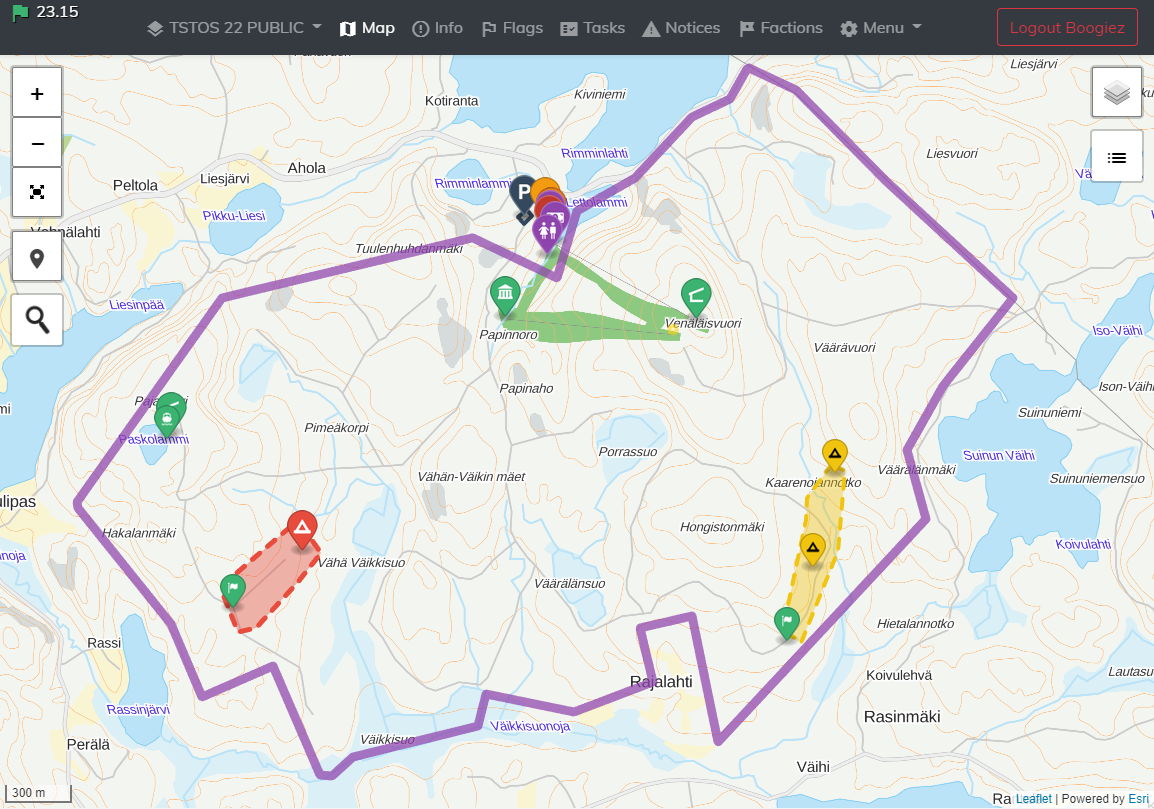
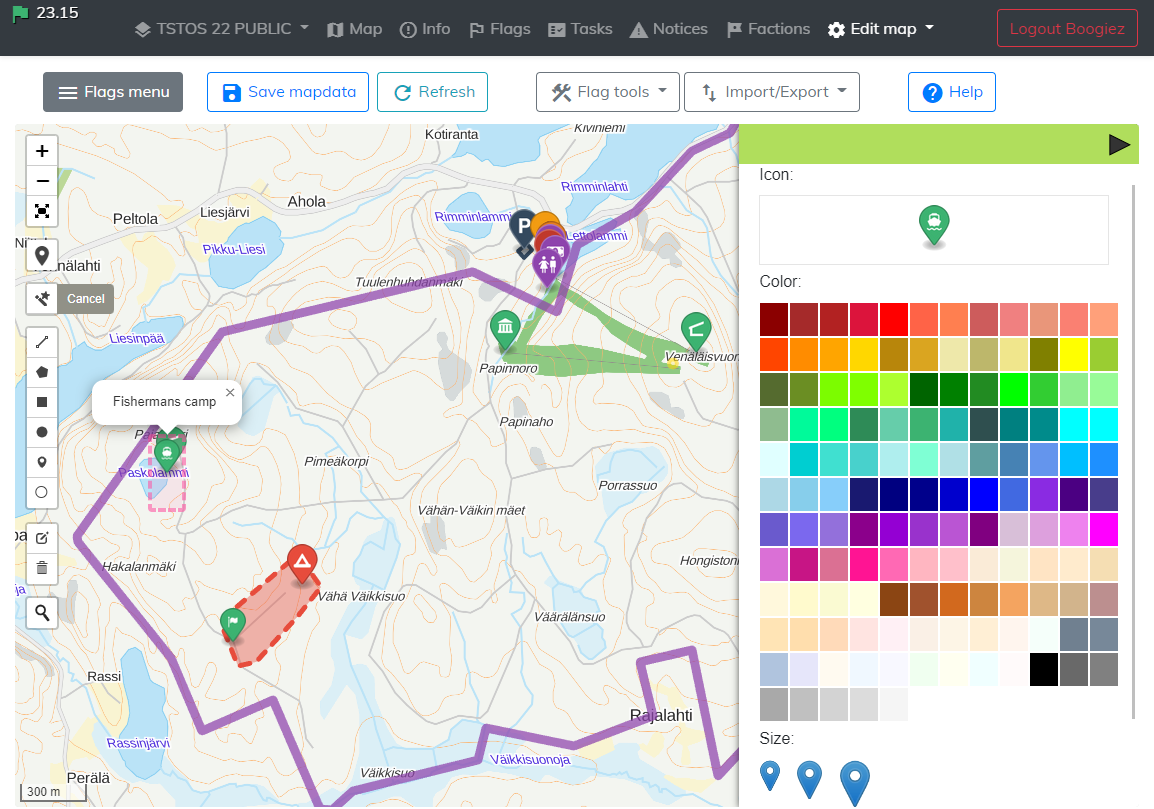
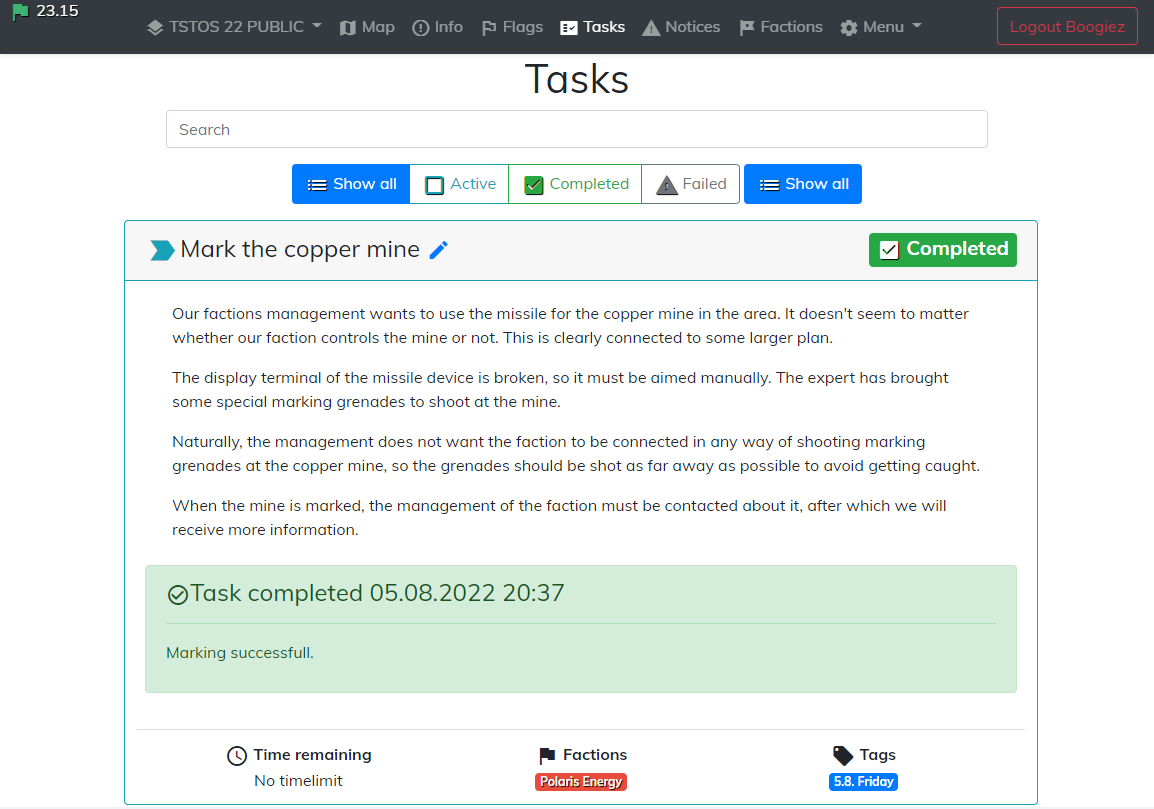
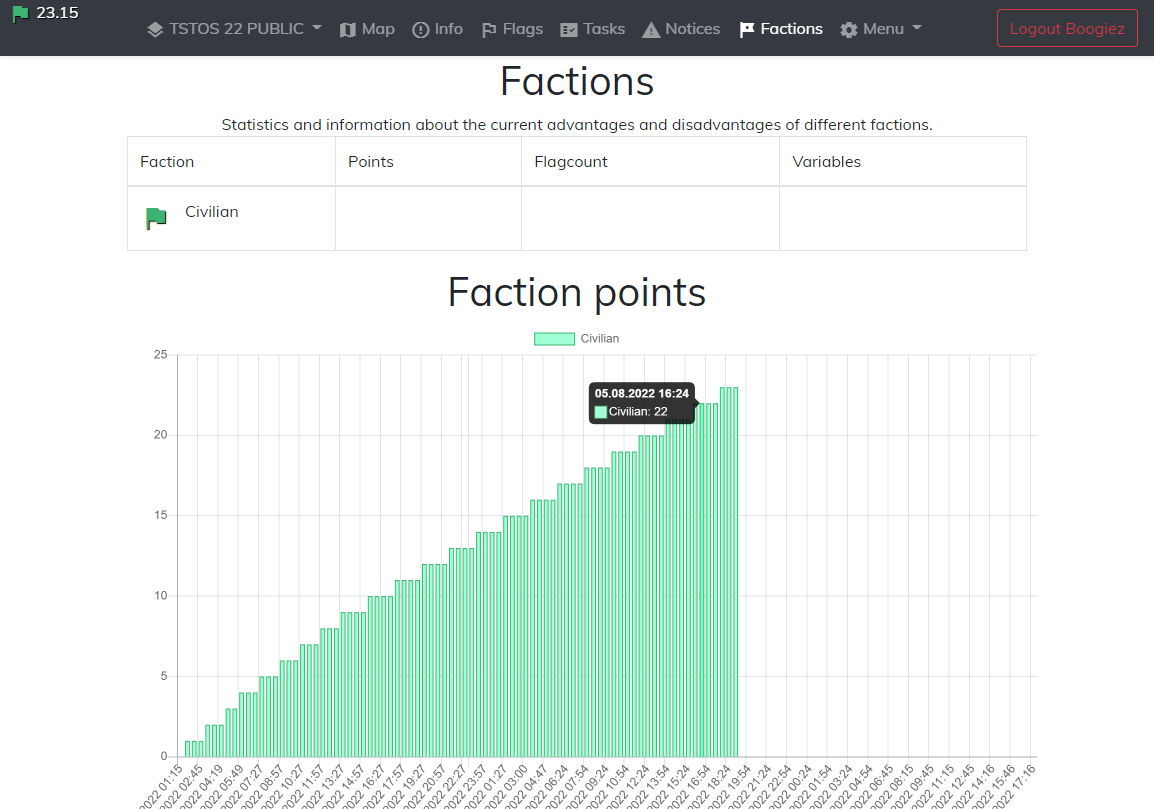
In 2023–2024, Status used the earlier interface centred on the map, capture points, tasks, notices and faction scores. Its map editor was used to edit game areas and map features.
The English interface supported international Battlegroup events. Almost 20 Flagboxes were in use in 2023 and were also rented to other organisers. Device reliability and usability continued to improve.
The images show the earlier interface at TSTOS 22.
Second major update to capture points
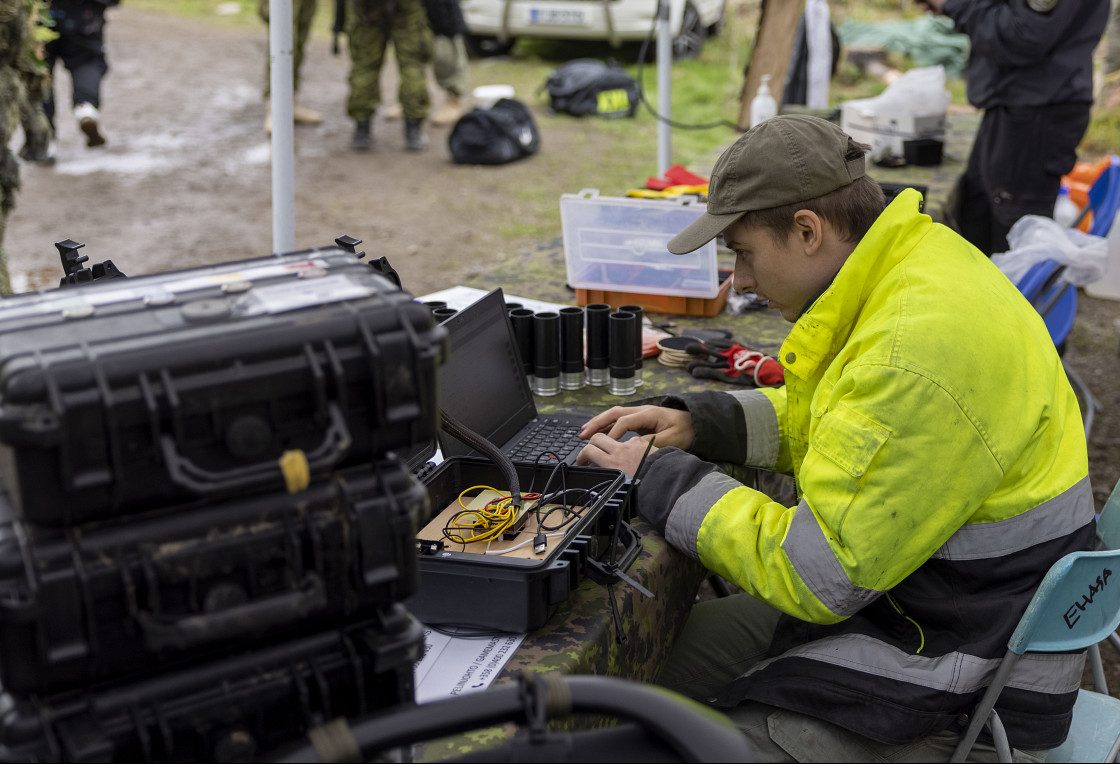
Data transfer problems and the slowness of the devices and the lack of memory in the arduino board caused infuriating problems over the years. Sometimes the devices didn't send data, or sometimes they just simply froze in the middle of the game. The devices were also really slow. After pressing the capture button the capture usually started after 5-10 seconds. Most of the problems were caused by the way the program was coded. It was decided to completely rewrite the program, and HTTP was ditched and replaced by MQTT. Sure, the new program brought new bugs, but at least the data transfer was clearly smoother. In any case the status is a difficult program for us because we can only test it on a large scale about twice a year at our events.
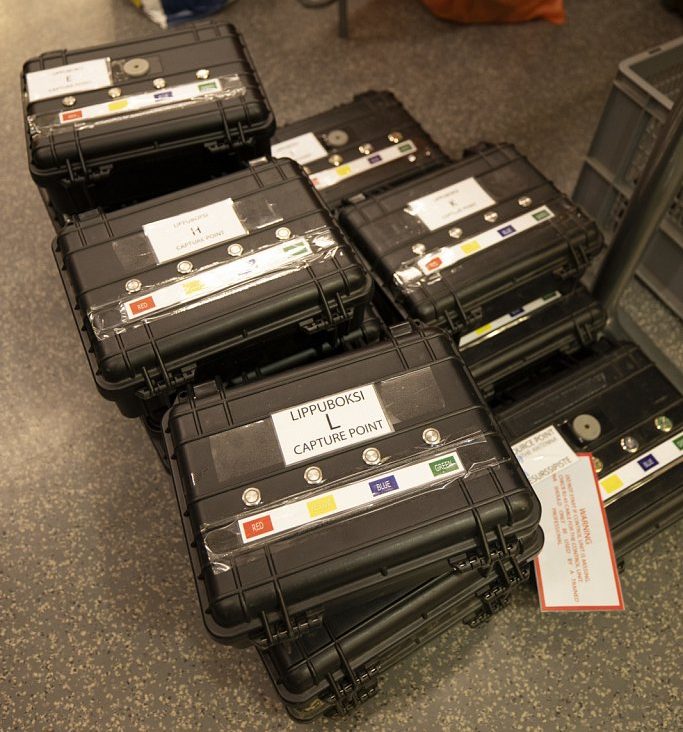
Capture points major update
When we started planning the TSTOS parola, we realized that there would be a lot more capture points and they should be able to be controlled remotely. We also wanted to slow down the capture of flags and direct the players to also defend the flags during the capture. None of those features were possible with the previous device. That's why we had to develop a completely new one. At first, we wanted to make the new device at least a little water-repellent since the devices usually were set up already days before the start of the game. The new device got its settings from the server and functioned according to them. This wasn't completely problem-free either, because as the code got more complicated, data transfer problems and memory leaks appeared. That's why, for years, we still sometimes had to go up to the capture points to restart them.
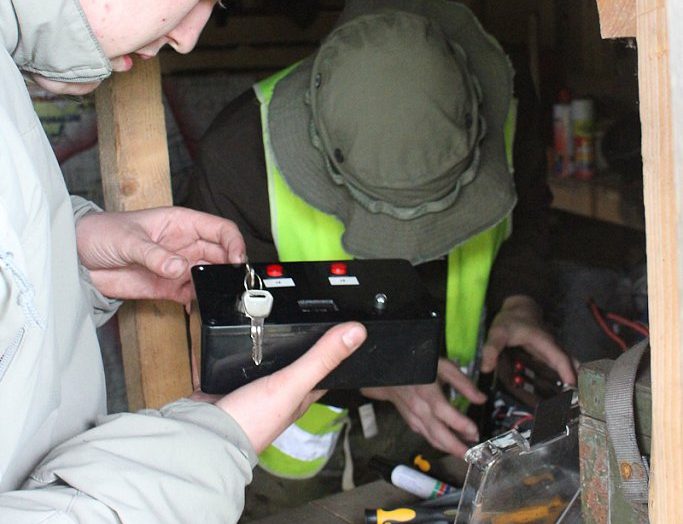
The birth of capture points
It didn't take long before we realized that manning the flags is boring and pointless. We even started to use less the status system, because we knew it required a lot of organisers. Thats why the idea was born to replace the organisers at the flags with an electronic system. The first capture point hardware was based on an Arduino and a GPRS-shield. The device only had two buttons and it made a direct HTTP GET request to the server and the flag was captured in seconds. Although it was very simple, it worked.
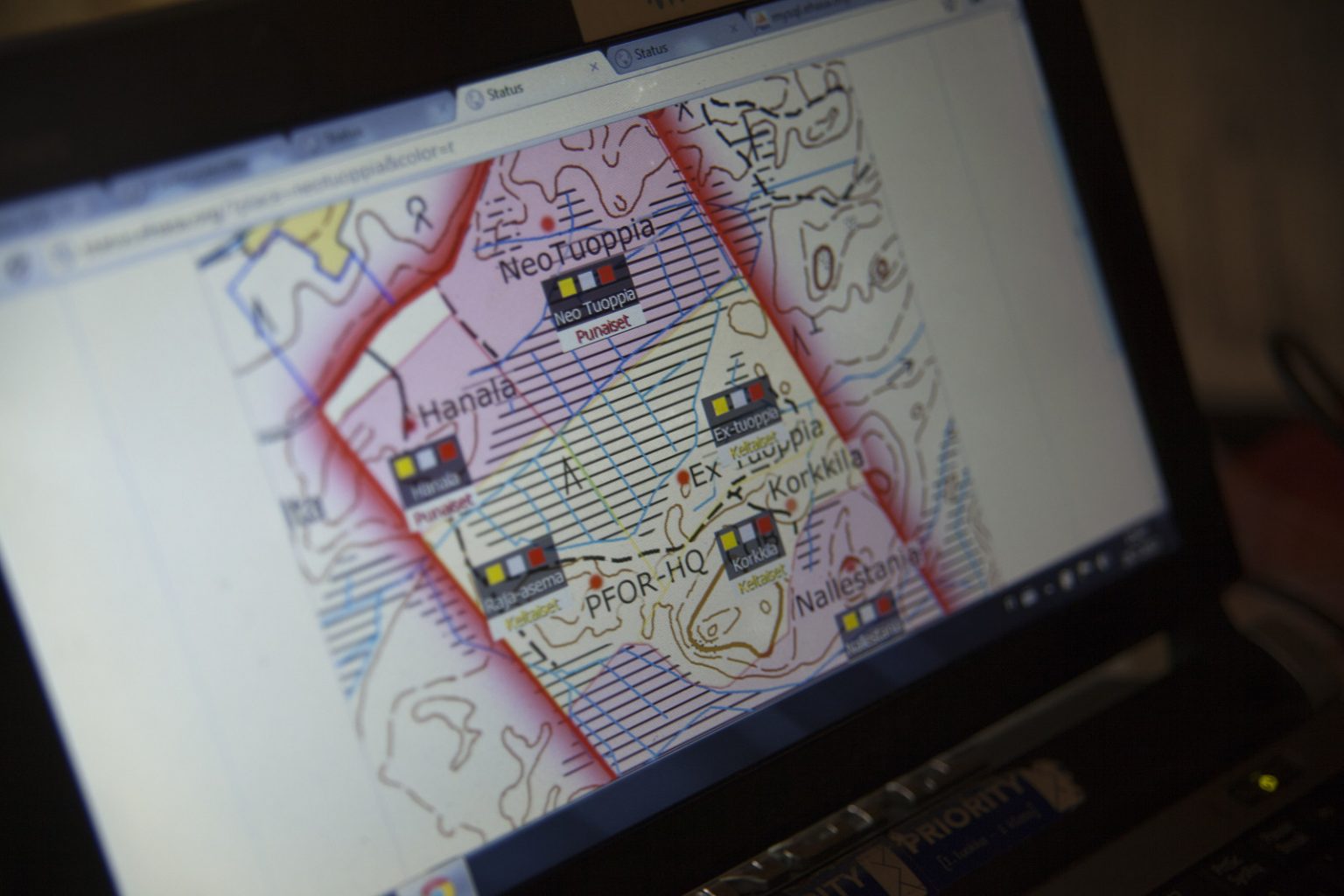
The first version of the status system
The first status version was used in the Conquest 2 event. The system was very simple back then. The organisers stayed on each flag and announced on the radio to the organiser in in the middle of the game area, who then pressed the right button on the computer to mark that the flag had been taken. According to the picture, using the status in the Conquest 2 event required at least 7 organisers. One for each flag and one in the center of the game area to wait for radio messages at the computer.